

 23 minutes read
Finding the best document management software for your law firm feels like prepping for a high-stakes trial. One wrong move and you’re buried in paperwork—only this time, it’s digital, expensive, and everyone in the firm knows who to blame. Your entire knowledge base, from client emails to discovery documents, lives in this system. Choose poorly, and you’ve just bought a glorified, overpriced Dropbox that nobody uses. Choose wisely, and you unlock efficiency, security, and a serious edge.
This isn't another generic roundup. We’ve been in the trenches, wrestled with clunky interfaces, and seen what actually works for solos, boutiques, and larger departments. We’re here to give you the straight scoop on what each platform really does well, where it falls short, and who it’s actually for. But let’s get one thing straight: before you even think about picking a vendor, get your house in order. Understanding mastering documentation workflow management will stop you from buying a Porsche just to drive it in first gear.
This guide cuts through the marketing fluff. We'll dive into the heavyweights like NetDocuments and iManage, and explore the all-in-one practice management tools like Clio and PracticePanther that bake in powerful document features. You’ll get a clear-eyed look at features, pricing, and the real-world pros and cons. Let's find the right system to run your firm, not run you ragged.
NetDocuments is the legal industry's heavyweight champion of cloud document management. It’s a true enterprise-grade system built from the ground up for firms that need Fort Knox-level security. If you handle sensitive data for regulated industries or just want to sleep at night, NetDocuments should be on your shortlist. It’s not just storage; it’s a fully governed environment for your firm's most critical asset: its intellectual property.
This platform shines with its deep, native integrations into the tools your team already uses. Think seamless connectivity with Microsoft 365 for co-authoring in Word or Outlook email management that doesn't feel like a clunky, bolted-on afterthought.
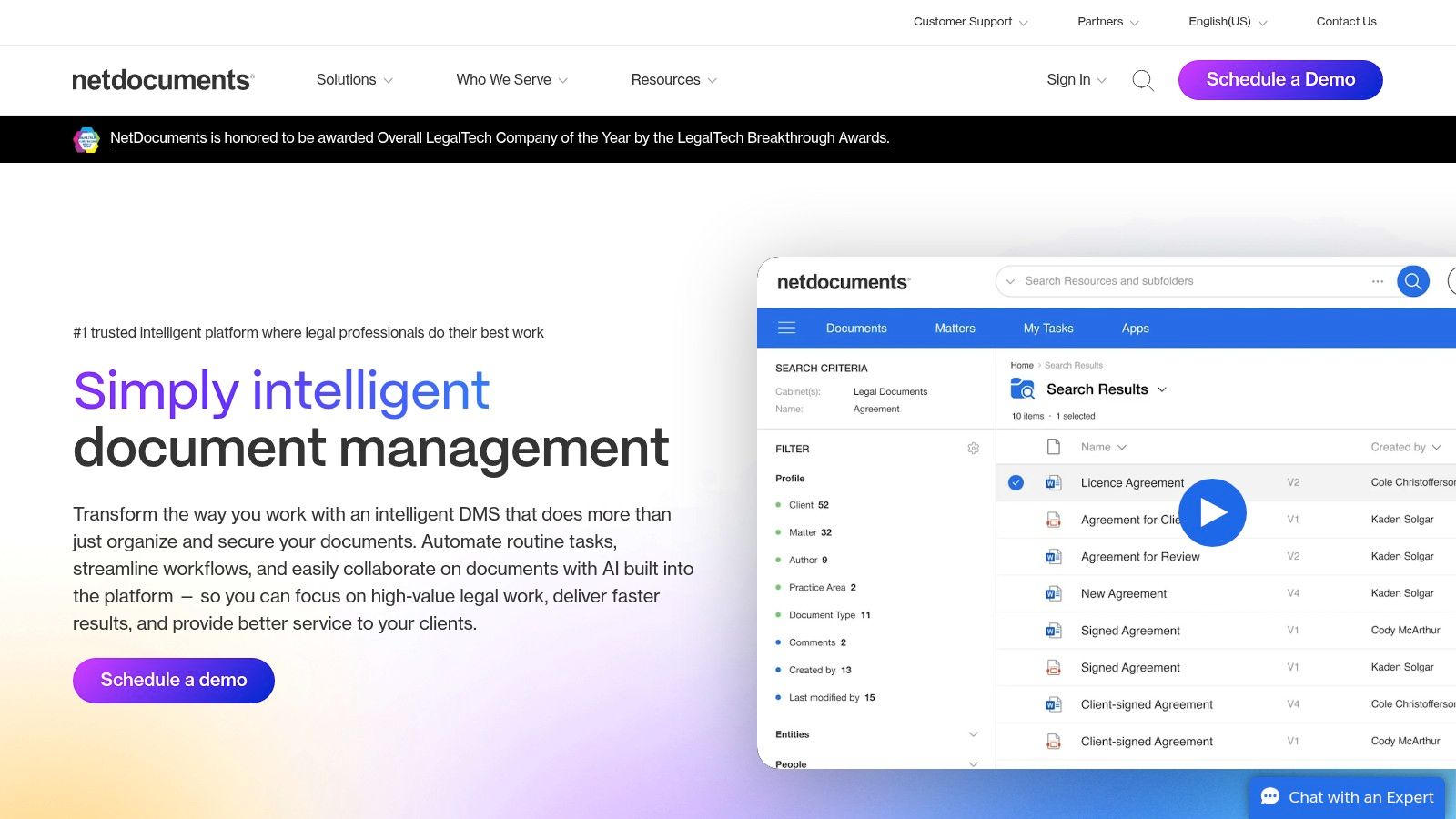
What sets NetDocuments apart is its uncompromising focus on governance. The granular permission controls are exactly what’s needed when working with external teams or remote paralegals—it ensures sensitive client files are locked down tighter than a drum. This is a critical piece of the puzzle, and you can learn about best practices for handling confidential information with remote staff to see why this matters so much.
If NetDocuments is the heavyweight champ, iManage is its long-standing rival, usually found in the corner of Am Law 100 firms. iManage Work 10 is less a document system and more of an integrated work platform. It lives inside the tools your attorneys refuse to leave—namely, Microsoft Outlook and Word—making document and email management feel less like a chore and more like a natural workflow.
Its strength is making everything feel connected. You can save an email, find a precedent, and collaborate on a draft without ever leaving your inbox. For firms where "billable hours" are tied directly to efficiency in Microsoft Office, iManage has built its kingdom on this seamless integration. It’s a proven, battle-tested choice for the most demanding legal environments.
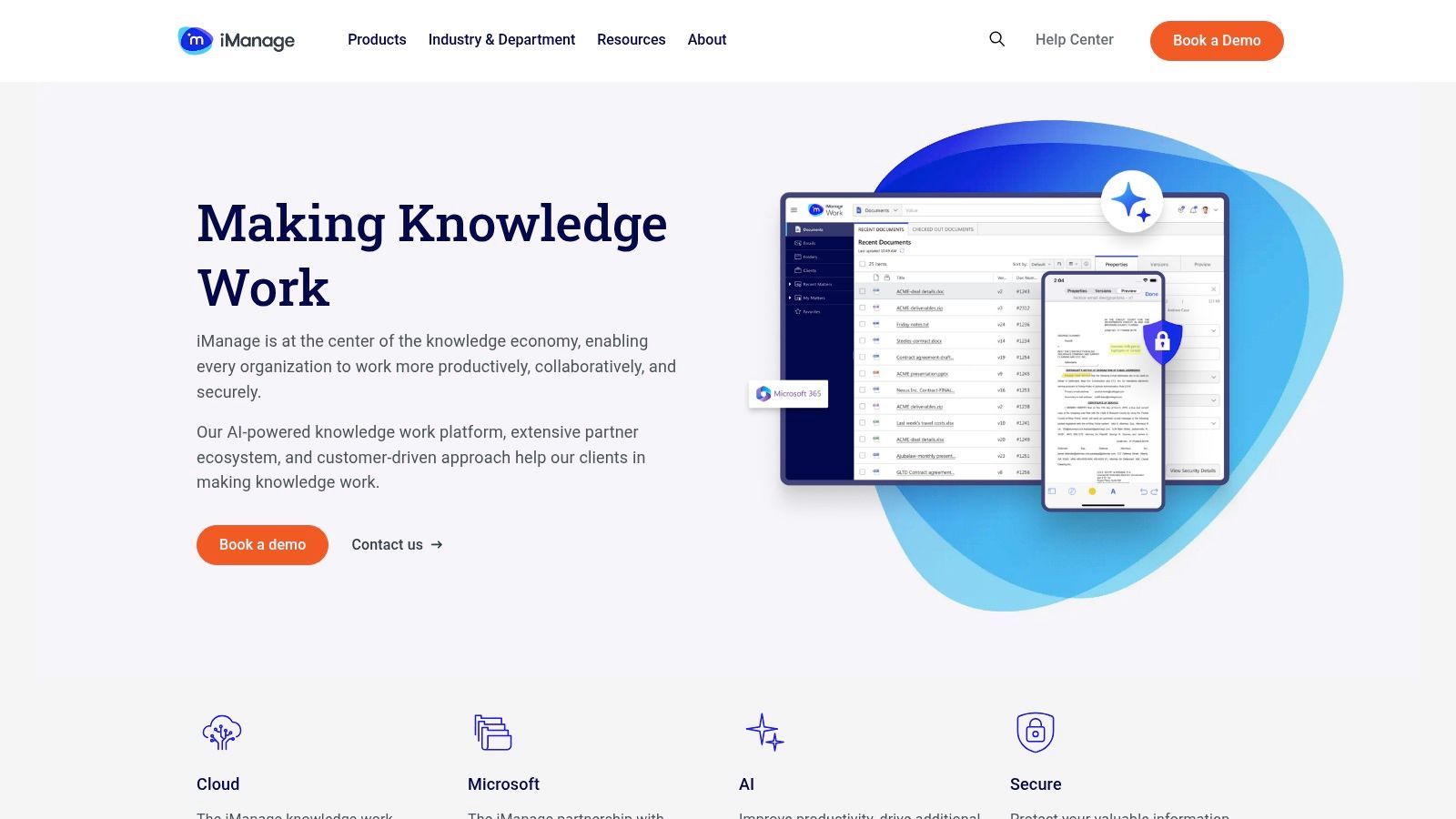
What makes iManage a top contender is its powerful, context-aware search and almost psychic email management. It doesn’t just store your files; it understands the relationships between documents, emails, matters, and clients. This is a game-changer when you're trying to piece together a case history from a chaotic trail of correspondence. The platform's optional AI modules, like Ask iManage, are also pushing the boundaries of what a DMS can do.
Thomson Reuters HighQ is less a document repository and more a digital collaboration hub built around your matters. It goes beyond simple file storage by creating secure, client-facing portals where you can manage documents, workflows, and communication all in one place. If you've ever struggled with endless email chains and version control chaos during a complex M&A deal, HighQ is designed to be your single source of truth.
This platform is a powerful tool for firms that want to offer a premium, transparent client experience. Instead of just sending files, you’re providing a collaborative workspace with dashboards and task lists. It essentially productizes your legal service delivery, combining document management with project management to keep everyone on the same page. No more "just checking in" emails from anxious clients.
What makes HighQ a standout is its powerful client extranet capability. It’s one of the best document management software for law firms that want to build deeper client relationships through technology. By providing a secure, branded portal, you elevate your firm’s service level and give clients direct visibility into matter progress. This approach aligns perfectly with modern legal project management, where efficiency and client communication are key. For a deeper dive, you can understand the principles of legal project management and see how tools like this fit in.
Visit Thomson Reuters HighQ Website
LexWorkplace is the antidote to the enterprise-level complexity and opaque pricing that gives most law firms sticker shock. It's built from the ground up for law firms, which means everything is organized around the way you actually work: by matter. If you want a full-featured, cloud-based system without having to hire a consultant just to get a price quote, LexWorkplace is a breath of fresh air.
This platform is a strong contender because it packages essential legal-specific features into a system that’s straightforward to adopt. It handles your documents and emails, all neatly tucked into their respective matter-centric workspaces, making it one of the best document management software for law firms that prioritize simplicity and clear costs.
What really sets LexWorkplace apart is its refreshing transparency and focus on the small to mid-size firm. You can actually see the pricing on their website—imagine that! They offer month-to-month terms and an in-house team dedicated to onboarding, which means you can avoid the dreaded "certified consultant" hunt. It’s designed for firms that need powerful features like OCR and document comparison without the enterprise-level overhead.
Clio is less a pure document management system and more the Swiss Army knife of legal practice management that happens to have a robust DMS built-in. It’s the go-to for countless small and mid-size firms because it packages everything from client intake and billing to document storage into one slick, cloud-based platform. If you’re looking for a single system to run your entire practice, not just manage files, Clio is a serious contender.
The platform's strength lies in its matter-centric approach. Every document, email, and note is automatically tied to the correct client file, which stops your shared drive from turning into a digital junk drawer. Plus, with the Clio Draft add-on, you can automate court form creation, saving hours of tedious work.
Clio democratizes powerful legal tech. Unlike enterprise systems with opaque pricing and lengthy sales cycles, Clio lets you sign up for a free trial and see the price tag right on their website. This transparency and ease of adoption are huge wins for smaller firms that can't afford a six-month implementation project. Its all-in-one nature also makes it a strong choice when evaluating comprehensive legal case management software.
MyCase is the small firm's all-in-one answer to practice management, and its document features are baked right into the core product. Think of it as a complete operating system for your firm, with document handling as a central pillar. If you want one login to manage cases, clients, billing, and documents without cobbling together five different apps, MyCase is designed for you.
Its approach is built around accessibility and integration. Features like the MyCase Drive for desktop sync and a secure client portal make sharing and collaboration feel effortless, not like a chore. For firms just stepping up from basic cloud storage, it’s a massive upgrade in organization and efficiency without the enterprise-level sticker shock.
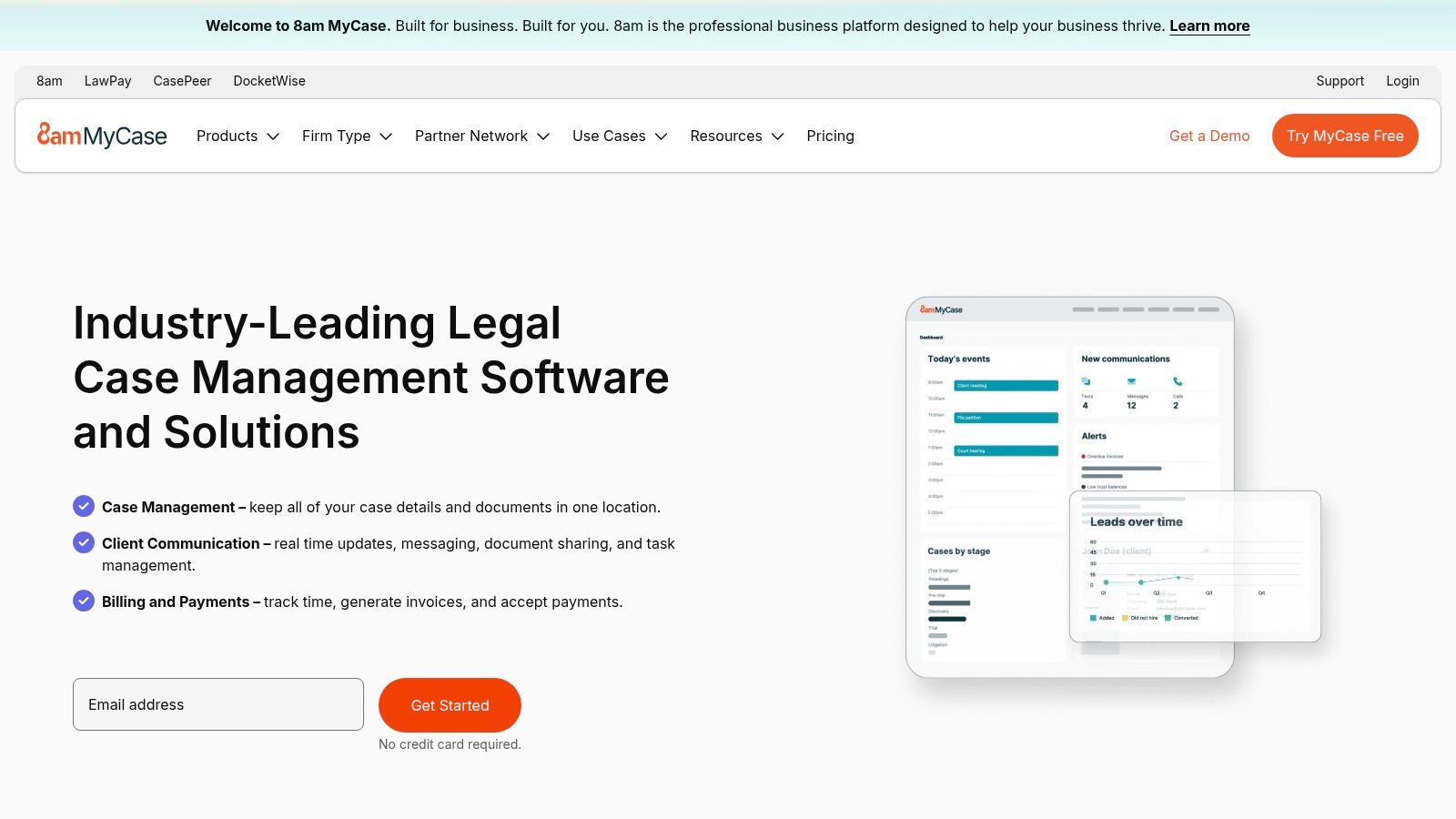
What puts MyCase on this list is its straightforward value proposition. You're not just buying a document manager; you’re buying an entire ecosystem where documents are intelligently linked to cases, clients, and billing entries. The inclusion of e-signatures and LawPay integration within the same platform streamlines workflows that would otherwise require multiple subscriptions. It's a pragmatic choice for firms that just need to get the job done.
PracticePanther isn't strictly a document management system; it's a full-blown law practice management platform where document handling is a core, integrated feature. It’s designed for the solo or small firm that doesn't want to bolt together five different apps to run their practice. If you’re looking for a single source of truth for your cases, clients, billing, and documents, PracticePanther puts it all under one roof.
The platform emphasizes simplicity and workflow automation. You get matter-centric document organization, custom templates that auto-populate with client data, and a secure client portal for sharing files without resorting to risky email attachments. It's the kind of streamlined efficiency that prevents critical documents from getting lost in the shuffle.
What earns PracticePanther a spot is its straightforward, all-in-one approach and transparent pricing. You know exactly what you're getting without a high-pressure sales call. While it may not have the granular, fortress-like DMS controls of a dedicated system, its integrated document features are more than capable for many small firms. The unlimited storage claim is a huge plus for practices that don't want to worry about hitting a data cap as they grow.
Smokeball is less a pure DMS and more a full-blown practice management suite that happens to be a document automation powerhouse. It’s designed for the firm that lives and breathes forms, where the real bottleneck isn't just storing documents, but creating them quickly and accurately. If your practice involves repetitive filings, you know the soul-crushing pain of manually populating the same client info across dozens of pages. Smokeball is built to kill that pain.
Its secret sauce is an immense, pre-built library of over 20,000 court and government forms, all ready to be auto-filled. This isn't just about saving a few keystrokes; it’s about reclaiming hours of non-billable admin time. The platform’s automatic time tracking, which logs your activity in Word and Outlook, is the cherry on top for capturing every last billable minute.
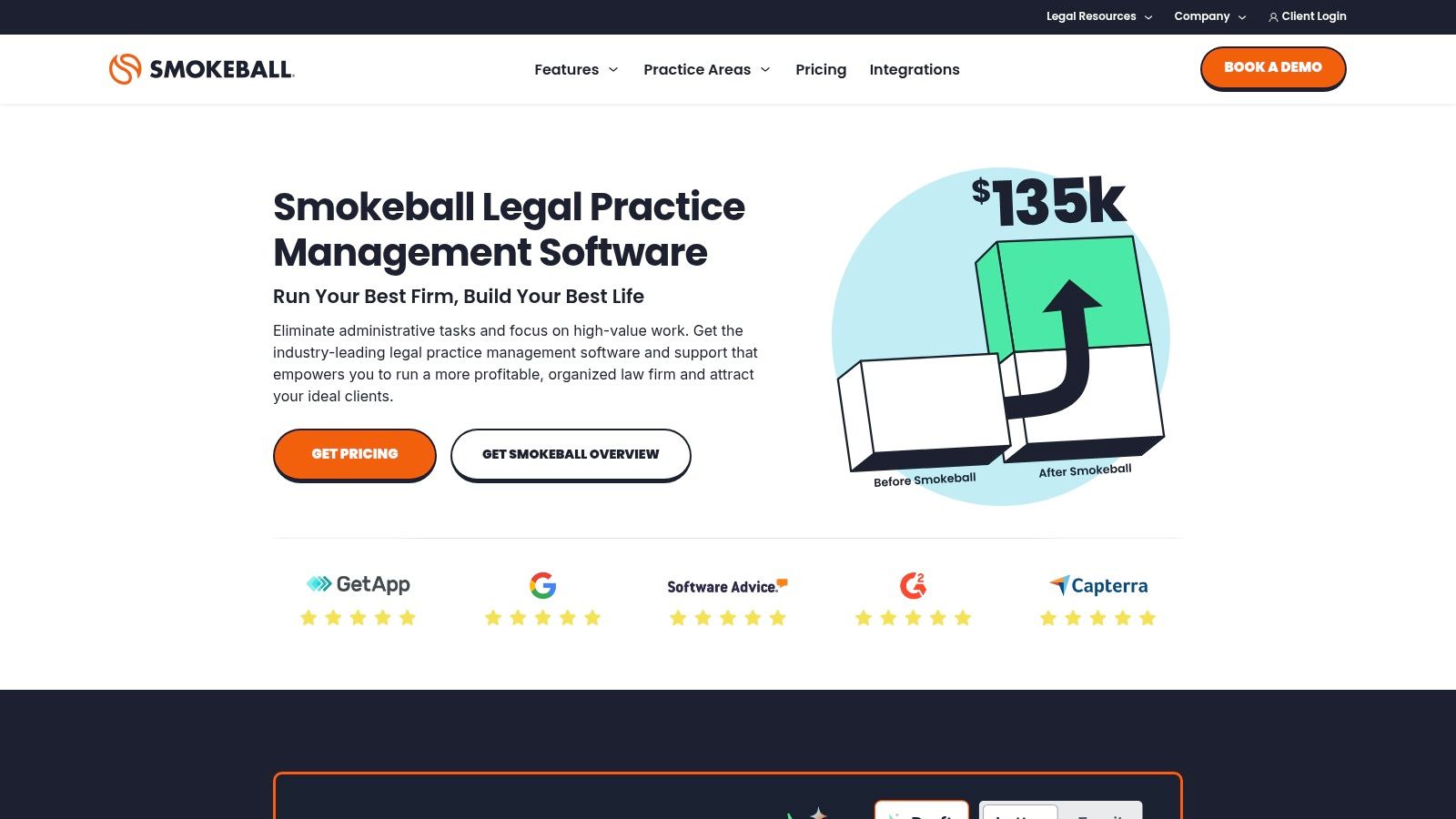
What earns Smokeball its spot is its obsessive focus on document automation as a core workflow, not an afterthought. The massive, jurisdiction-specific forms library is a game-changer for practices like family law, real estate, or personal injury. While other systems offer document generation, Smokeball delivers it out of the box on an industrial scale.
CARET Legal, which you might know by its former name Zola Suite, isn't just a place to dump your documents. It’s a full-blown practice management platform where document management is baked right into the core system alongside billing, accounting, and native email. If you’re tired of juggling separate tools and dream of a single source of truth, CARET Legal wants to be that for you.
This platform's power comes from its all-in-one approach. It directly integrates document storage and editing with your case files, calendars, and billing workflows, eliminating the disconnect between doing the work and getting paid for it. This makes it a comprehensive option for firms that want one system to rule them all.
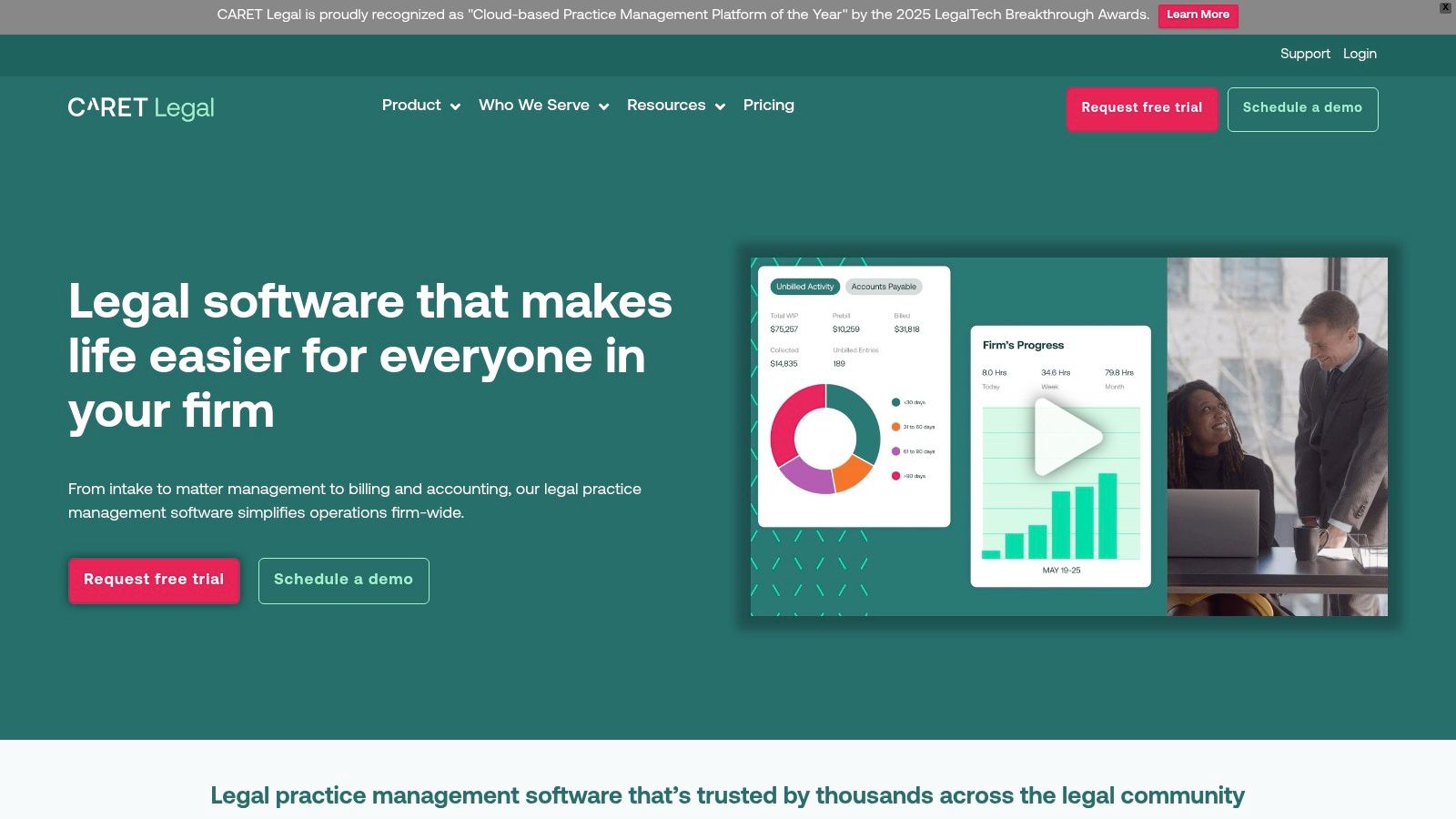
What makes CARET Legal stand out is its robust, built-in accounting and billing engine, including support for LEDES billing. For firms that handle corporate clients or insurance defense work, having this capability natively integrated with your document system is a massive time-saver. You can track time, generate invoices, and manage trust accounts without ever leaving the platform, which streamlines operations significantly.
Actionstep isn't just a place to dump documents; it's a practice management system where document handling is deeply woven into your firm's workflows. This platform is built for mid-market firms that want to move beyond simple storage and automate the entire lifecycle of a matter. Think of it as the central nervous system for your practice, connecting documents to tasks, billing, and client communication.
Its power lies in making documents part of an automated process. You can build custom workflows that automatically generate contracts, letters, or pleadings based on matter data, saving your team from the soul-crushing task of manual data entry. It’s less about finding a file and more about the file finding you at the exact moment you need it.

Actionstep earns its spot by treating document management as a component of a larger, more efficient engine. The deep workflow automation is its killer feature, allowing firms to create repeatable, scalable processes for complex practice areas. It’s the kind of system that doesn’t just store your work but actively helps you get the work done by connecting documents to deadlines and automated tasks.
LEAP is less a pure DMS and more an all-in-one practice management beast with a powerful document system at its core. It's built for the firm that wants everything connected, from billing to document automation, without juggling multiple subscriptions. Its big differentiator in the U.S. market is the massive, built-in library of state-specific legal forms and clauses, which are kept up-to-date for you.
If your daily grind involves churning out standardized documents, LEAP's automation can feel like a superpower. It's designed to be a central nervous system for your practice, pulling client data directly into templates and managing everything on a per-matter basis. This makes it one of the best document management software for law firms that want to streamline workflows from intake to closing.
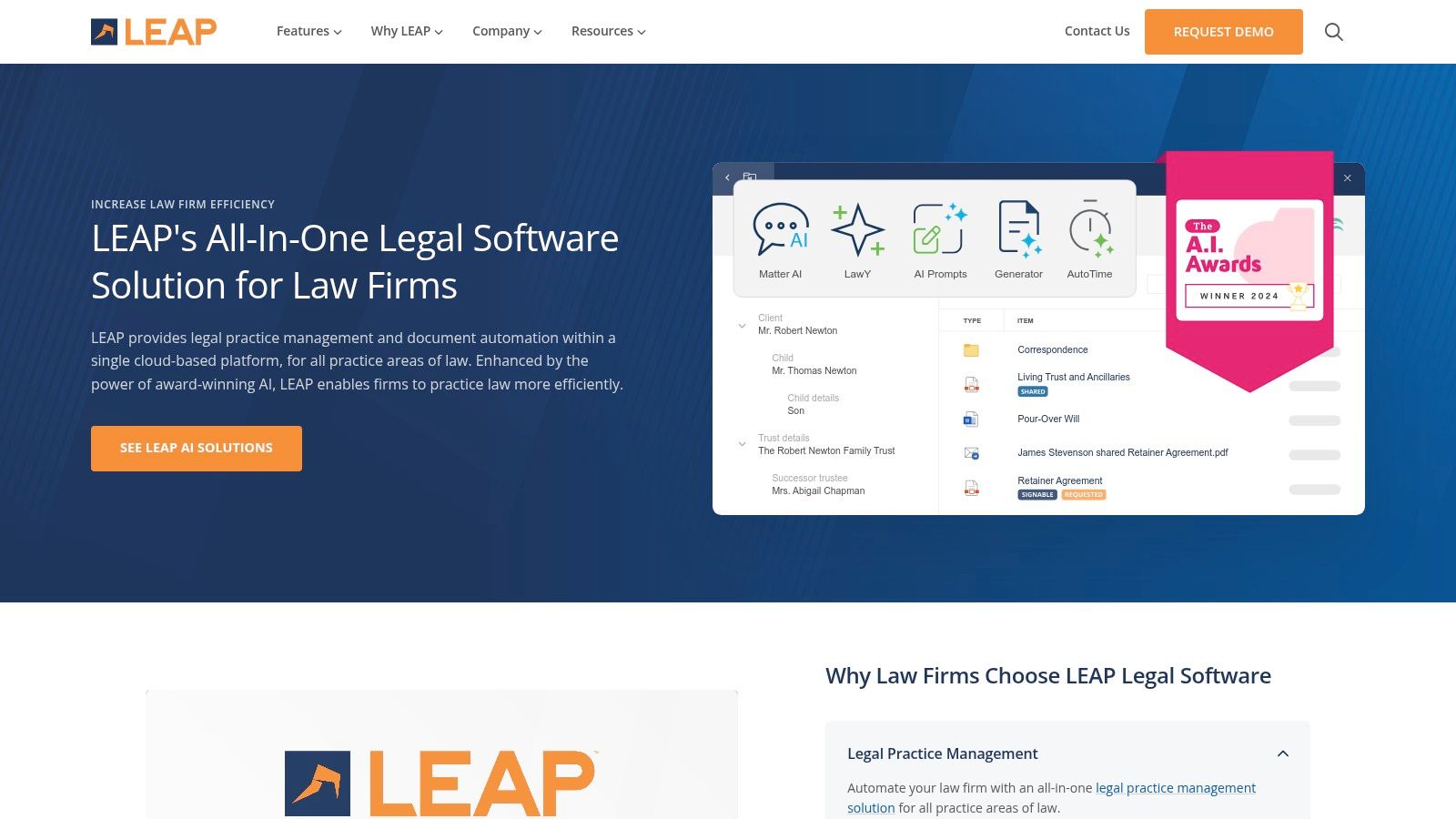
What lands LEAP on this list is its deep integration of document creation with matter management. The extensive, automatically updated library of U.S. legal forms is a game-changer for practices that can’t afford to fall behind on compliance. Its secure client portal, LawConnect, also simplifies the often-clunky process of sharing sensitive files back and forth, building client trust and saving everyone a headache.
Filevine is less a pure DMS and more a comprehensive case management platform where documents are central to the action. It's built for the high-volume, process-driven firm, particularly in litigation or personal injury. Instead of just storing files, Filevine turns them into active components of your workflow, linking every document directly to its relevant matter, task, or deadline.
This platform's core strength is its architecture, which revolves around the case file itself. It offers powerful document automation and optional unlimited storage through its "Docs by Filevine" add-on. For firms looking to build an all-in-one ecosystem, Filevine's modular approach, with add-ons for e-signatures and AI-powered review tools, is a significant draw. It’s for the firm that wants its DMS to do more than just sit there and hold files.
What lands Filevine on this list is its ability to be more than just a digital filing cabinet; it’s a full-blown operational hub. The platform excels at creating a single source of truth for high-volume litigation workflows, where a stray document can derail a case. Its deep, matter-centric organization means you’re not just searching for a file, you’re navigating the entire case history. This makes it one of the best document management software for law firms that want to connect documents directly to case strategy.
| Product | Core features | Best for | Unique selling points | Pricing & rollout |
|---|---|---|---|---|
| NetDocuments | Legal DMS, versioning, full-text search, 150+ integrations, built-in automation/AI | Large firms & corporate legal teams needing governance | Enterprise-grade security & compliance, broad integrations, 99.9% uptime | Quote-based pricing; consultant-led implementations |
| iManage | Core DMS + email mgmt, advanced search, Drive/Mobile, MS integrations, optional AI | AmLaw & mid-size firms with heavy Office workflows | Deep Outlook/Word integration, powerful search, proven enterprise adoption | Quote-based; structured roll-out and change management |
| Thomson Reuters HighQ | Matter sites, doc mgmt, collaboration, workflows, dashboards, optional AI | Client collaboration, deals, litigation teams | Strong client/extranet collaboration and configurable workflows | Sales-led pricing; tiered plans per use case |
| LexWorkplace | Matter-centric DMS, OCR/Document AI, Litera Compare, month-to-month terms | Small–mid U.S. firms seeking simple DMS | Transparent pricing, lawyer-focused onboarding, easy rollout | Visible pricing tiers; flexible month-to-month plans |
| Clio (Manage + Draft) | Practice mgmt, matter docs, templating, e-sign, Clio Draft forms | Small–mid firms wanting self-serve setup | Large integration ecosystem, self-serve trials, fast time-to-value | Transparent plans & add-ons; self-serve purchase |
| MyCase | Document storage + MyCase Drive, automation, client portal, e-sign | Small firms wanting clear pricing & simple setup | Clear pricing, 10‑day trial, good value at Advanced tier | Transparent tiers; Advanced tier unlocks full DMS features |
| PracticePanther | Matter docs, templates, workflows, built-in eSignature, unlimited data claim | Small firms wanting straightforward pricing & automation | Clear tiering, competitive Business tier, online signup | Transparent tiered pricing; online onboarding |
| Smokeball | Doc automation, TemplateLab, 20k+ U.S. forms library, AutoTime tracking | Firms needing extensive U.S. forms & automated time capture | Massive forms coverage, auto time-tracking, Word/Outlook integration | Sales-led pricing; no public rates |
| CARET Legal (Zola Suite) | Native email + doc editing/storage, workflows, accounting, LEDES billing | Firms seeking integrated DMS + accounting/billing | Built-in accounting & LEDES, enterprise tiers, analytics | Transparent tiers; implementation fees apply |
| Actionstep | Workflow-centric PM, document assembly, trust accounting, reporting | Mid-market firms needing deep workflow automation | Highly customizable workflows and robust reporting | Sales-led pricing; partner implementations common |
| LEAP (US) | Real-time matter DMS, clause library, state forms, LawConnect secure sharing | U.S. firms needing comprehensive forms & automation | Deep U.S. forms coverage, mobile access, AWS/SOC2 infrastructure | Sales-led pricing; full practice suite may be larger than pure DMS |
| Filevine | Case management, doc automation, Docs (unlimited storage option), AI add-ons | Litigation & specialty firms with high-volume workflows | Modular add-ons (AI, CLM, e-sign), strong litigation features | Consultative pricing; advanced features sold as add-ons |
Alright, let's land this plane. We've just navigated a labyrinth of cloud servers, security protocols, and user interfaces, all in the quest for the best document management software for law firms. If your head is spinning from feature lists and pricing tiers, that's completely normal. Choosing the digital backbone for your firm is a massive decision, and analysis paralysis is a very real thing.
The biggest mistake you can make right now? Doing nothing. Sticking with that chaotic shared drive or, heaven forbid, the server humming in a dusty closet, isn't just inefficient. It's a ticking time bomb of security vulnerabilities and lost billable hours. The second biggest mistake is picking a system based on a fancy demo or a competitor's choice without interrogating how it fits your specific workflow.
So, what's the bottom line after dissecting a dozen top contenders? It’s not about finding a single "perfect" platform. It’s about finding the right-fit platform for your firm’s size, practice area, and tech-savviness.
For the Enterprise Titans: If you're a large firm juggling complex compliance, high-stakes litigation, and hundreds of users, your decision is less about features and more about enterprise-grade security and governance. NetDocuments and iManage are the undisputed heavyweights for a reason. They aren't cheap, but the cost of a data breach is infinitely higher.
For the Ambitious Small-to-Mid-Sized Firm: This is where the real battleground is. You need robust, legal-specific DMS features without the enterprise price tag or the six-month implementation headache. LexWorkplace stands out here as a pure DMS built for law firms, while platforms like Smokeball and CARET Legal offer compelling all-in-one solutions where document management is a core, tightly integrated strength.
For the Modern Solo and Boutique Practice: You need lean, efficient, and cloud-native. Full practice management suites like Clio Manage, MyCase, and PracticePanther offer more than enough DMS power for most smaller operations. Their strength lies in integrating documents with everything else: billing, client communication, and case timelines. Don't pay for a sledgehammer when you just need a well-balanced hammer.
Feeling overwhelmed is a sign you're taking this seriously. Good. Now, channel that energy into a clear, methodical process. Hope you’re not tired of checklists, because here’s one more for the road.
Define Your "Must-Haves" vs. "Nice-to-Haves": Be brutally honest. Do you really need AI-powered contract analysis, or do you just need bulletproof version control and a search function that actually works? Write it down.
Schedule Three Demos. Max: Pick your top three contenders based on this guide. Any more and the features will all blur into one. Ask them tough questions specific to your practice area. Make them show you, not just tell you.
Talk to a Real User: Ask the sales rep for a reference at a firm similar to yours. A five-minute, candid conversation with a peer is worth more than five hours of marketing webinars.
Plan for the Human Element: Remember, the software is only as good as the team using it. Factor in the time and resources for training. This is especially critical when integrating remote team members, like the expert paralegals from HireParalegals, who need to onboard quickly and securely into your new system. A smooth, well-documented process for them is a win for everyone.
Choosing your firm’s document management software is a foundational decision that will impact your efficiency, profitability, and sanity for years to come. It’s not just an IT upgrade; it’s an operational evolution. So take a deep breath, trust your gut, and make the choice that empowers your firm to stop wrestling with documents and start winning cases. You’ve got this.


