

 23 minutes read
Look, if you're a lawyer, every minute you spend not practicing law is a minute you're setting money on fire. A virtual assistant for a law firm isn't just a remote helper; they're a strategic weapon. They step in to handle all the administrative, paralegal, and client-facing garbage that drains your day, freeing you up to focus on what actually pays the bills: billable work. This isn't some fluffy trend. It’s a battle-tested move that delivers insane cost savings and agility compared to the old-school, in-house hiring model.
Let's be blunt. Every minute you spend scheduling calls, chasing down signatures, or god forbid, formatting a Word document, is a minute you're not billing. You're a lawyer, not an admin, yet how much of your day gets eaten alive by tasks a sharp intern could handle? That slow, silent killer of profitability is what I call "administrative bloat."
It’s the death by a thousand non-billable cuts that bleeds your margins dry. We tell ourselves we can "just handle it," but the truth is, we're trading our high-value time for low-value work. Hope you enjoy spending your afternoons fact-checking resumes and running interviews—because that’s now your full-time job. This isn't just inefficient; it's a fast track to burnout and stagnation.
So, what’s it really cost to bring someone in-house to fix this mess? The sticker shock goes way beyond the base salary. When you add up the taxes, the benefits, the desk, the computer, the software licenses—that "affordable" hire suddenly becomes a massive financial anchor. Turns out there’s more than one way to hire elite help without mortgaging your office ping-pong table.
This table breaks down the true, fully-loaded cost. The numbers don't lie.
| Cost Factor | In-House Legal Assistant (Annual) | Remote Virtual Assistant (Annual) | The Shocking Difference |
|---|---|---|---|
| Average Base Salary | $55,000 | $36,000 (based on a $30/hr rate, 1,200 hours/yr) | $19,000 |
| Benefits (Health, Dental, Vision) | $8,250 (15% of salary) | $0 (Handled by the VA or their agency) | $8,250 |
| Payroll Taxes (FICA, FUTA) | $4,208 (7.65% of salary) | $0 (Independent contractor status) | $4,208 |
| Overhead (Office, Equipment) | $5,000 | $0 (Uses their own equipment and space) | $5,000 |
| Recruitment & Onboarding Costs | $2,500 | $0 | $2,500 |
| Total Annual Cost | $74,958 | $36,000 | $38,958 |
As you can see, the overhead tied to an in-house employee can easily double what you'd pay for a skilled remote professional. The difference is staggering.
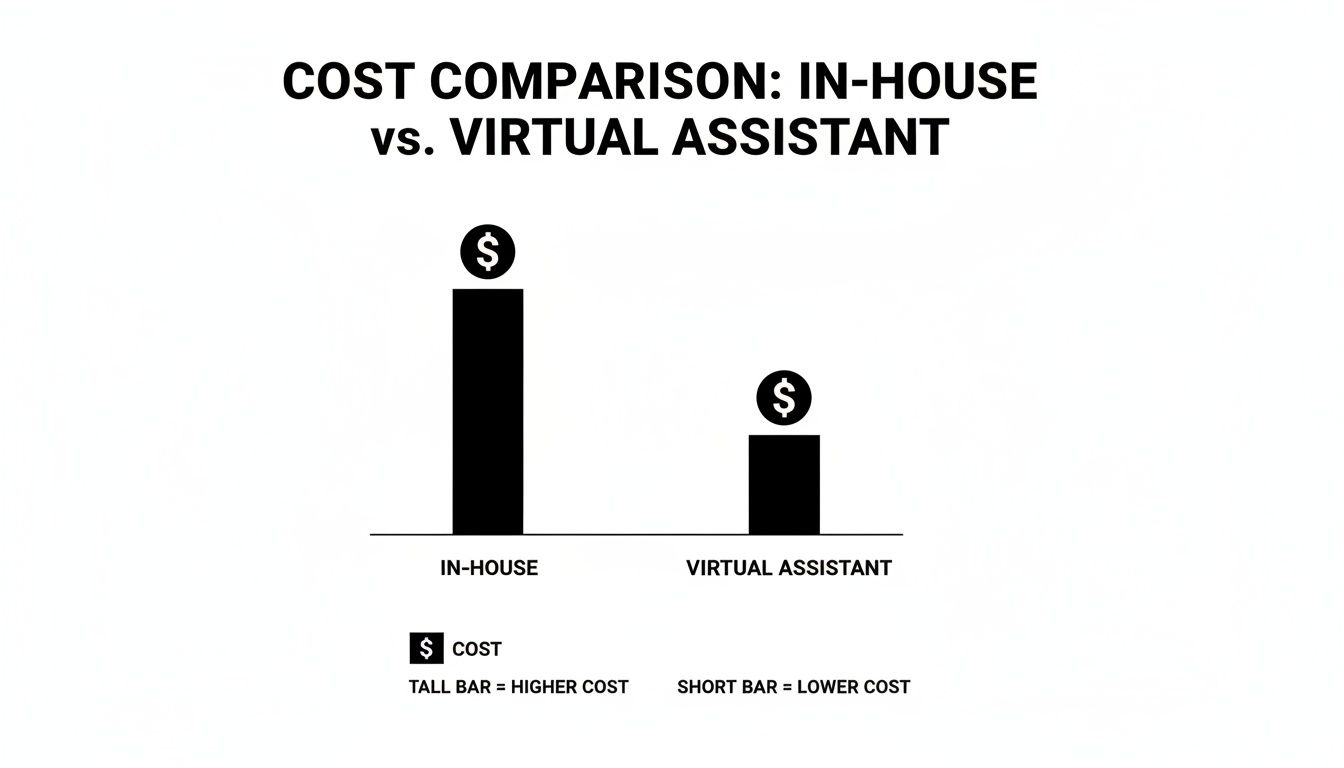
The data speaks for itself. The costs associated with traditional staff often far outweigh the investment in a skilled remote professional.
Ignoring this bloat isn't just a bad habit; it's a direct threat to your firm's future. Forecasts for 2026 warn that firms failing to modernize their workflows risk up to a 30% erosion in profit margins. This is happening because high-cost in-house resources are being wasted on routine tasks that specialized remote staff and automation could handle far more efficiently.

The real question isn't whether you can afford to delegate. It's whether you can afford not to. Every non-billable task you personally handle is an implicit decision to leave money on the table.
The solution is to stop plugging leaks with expensive, full-time hires and start thinking smarter. By embracing a more flexible model, you pay for the work you need, not for the downtime in between. Our guide to legal outsourcing services offers a deeper look at how this shift in thinking can reshape your firm's bottom line. The path to better margins and a saner workload begins with admitting you can't—and shouldn't—do it all yourself.
So, the thought of slashing your overhead has you listening. But what does a virtual assistant for a law firm really do day-to-day? Let's be clear: this isn't just about hiring someone to answer phones and manage an inbox. That's the bare minimum. That's table stakes.
We're talking about bringing a specialized professional into your practice who operates as a seamless, remote extension of your team. This is someone who gets the rhythm of legal work and starts to anticipate what you need, often before you realize it yourself.
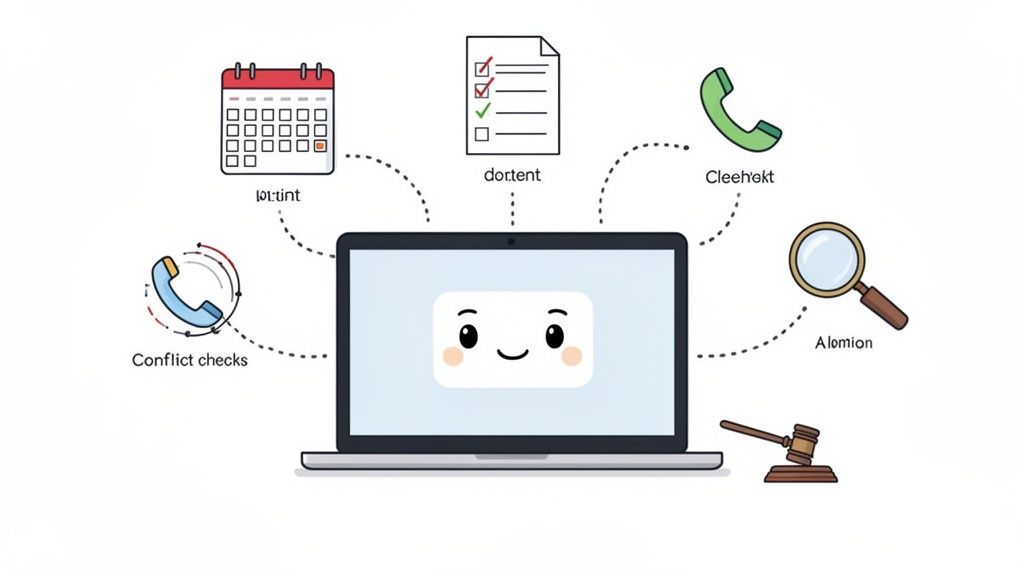
The whole point is to reclaim your time so you can focus on the high-value, billable work—the strategy, the client counsel, the courtroom—that actually drives your firm forward.
First, let’s talk about the foundational tasks. These are the things that, if they don't get done right, can quickly spiral your practice into chaos. A sharp legal VA takes complete ownership of this entire administrative layer.
Getting these tasks off your plate can easily free up 5-10 hours a week. That's a full day of billable time back in your pocket, every single week.
Here’s where a great legal VA really shows their value and separates themselves from a generalist admin. They aren’t just following instructions; they are actively managing workflows and becoming a true operational asset.
They can handle responsibilities that require a solid grasp of legal operations, effectively bridging the gap between basic admin and more substantive paralegal work. It's crucial to know where that line is, and you can learn more about the specific distinctions between paralegals and legal assistants to clarify what your firm really needs.
They aren’t just a helper; they’re an operator. Their job is to own the systems that let you practice law without friction.
Here’s what that looks like in practice:
Essentially, they become the central hub for the business of your law practice. This shift lets you focus almost exclusively on the practice of law. It's not just about delegating tasks; it's about building a more efficient, resilient, and ultimately more profitable firm.
Not all virtual assistance is created equal. I learned this the hard way after hiring a generalist VA who was fantastic at managing my calendar but looked at a privilege log like it was written in ancient hieroglyphics. Hiring the wrong kind of remote help isn't just inefficient; it's a frustrating, expensive mistake that can set you back months.
Think of it this way: you wouldn't hire a family law attorney to handle a complex patent filing. The same logic applies here. The virtual assistant market is booming, and for good reason—it’s projected to hit $55.4 billion by 2035, with small and midsize firms being a major force behind that growth.
Making the right choice from the start is the difference between a game-changing hire and a glorified, high-priced scheduling tool. Let’s break down your options, no fluff attached.
This is your entry-level remote professional. They are masters of the administrative universe: inbox zero, perfectly managed calendars, travel booking, and basic data entry. They’re often incredibly organized and affordable, which makes them a tempting first hire for a solo practitioner drowning in emails.
But here’s the blunt truth: their value stops abruptly at the courthouse steps.
Bottom line: Hire a generalist if your biggest pain point is your schedule. Just don't expect them to touch anything that smells even remotely like legal work.
This is where things get interesting. A specialized legal VA is a significant step up—they’ve chosen to work specifically with lawyers. They understand the rhythm of a law firm, know what a retainer agreement is, and won’t freeze up when you mention e-filing.
They are the perfect middle ground for firms that need more than a basic admin but aren’t quite ready for a full-blown paralegal. They handle the sophisticated administrative tasks that require legal context: preparing standard engagement letters, managing your case management software, and handling the entire client intake process, including preliminary conflict checks.
They’re the air traffic controller for your practice, managing the operational workflows so you can focus on being the pilot.
However, they are not paralegals. They typically lack the formal certification or deep, substantive experience to draft complex pleadings, conduct in-depth legal research, or manage a heavy discovery workload. They’re operational experts, not legal scholars.
Finally, we have the virtual paralegal. This isn’t an assistant; this is a certified, experienced legal professional who just happens to work remotely. They bring deep experience in specific practice areas—be it immigration, litigation, or corporate law—and can handle substantive legal tasks with minimal supervision.
Hiring a virtual paralegal is a strategic move to add high-level capacity without the crippling overhead of an in-house hire. If this level of support sounds like what your firm is missing, our breakdown of virtual paralegal employment can give you a clearer picture of the role and its impact. Choosing this option is about buying back your time as a lawyer, not just as a business owner.
Alright, you’re sold on the idea. You’re ready to offload the administrative drag that’s been strangling your billable hours. But now comes the "fun" part: drowning in a sea of resumes and conducting endless, awkward Zoom interviews.
That is, unless you do it the smart way.
Let's be brutally honest—hiring is a soul-crushing time suck. It’s a necessary evil that pulls you away from the client work that actually pays the bills. This isn't just about filling a seat; it's about building a reliable system to find, vet, and integrate top-tier remote talent without derailing your entire practice.
Your first instinct might be to jump on a huge freelance platform like Upwork or Fiverr. It seems easy enough. Post a job, get a flood of applicants, and pick one. Sounds great, right? That is, until you realize you’ve just signed up to sift through hundreds of candidates who think "legal experience" means they once watched an episode of Suits.
These platforms are built for volume, not for the specific nuances of a law firm. They’re a fantastic place to find someone to design a logo but a terrible place to find a professional who truly understands attorney-client privilege.
Going this route is a recipe for wasted time. You can lose weeks on the search and still end up hiring someone who creates more problems than they solve. The only sane option is to go where the professionals are: specialized legal staffing services. (Yes, like us. Toot, toot!)
Once you have a shortlist of qualified candidates from a trusted source, you need to dig deeper than, "So, tell me about yourself." Standard interview questions just get you rehearsed, generic answers. You need to test for the things that actually matter in a remote legal role: critical thinking, proactivity, and tech-savviness.
Here are a few of my go-to questions that reveal much more than a resume ever could:
Forget asking about their "greatest weakness." You need to know how they think, not how well they’ve prepped for a textbook interview. Their answers to these scenarios will tell you everything you need to know about how they'll perform on the job.
Hiring someone is only half the battle. A messy, unstructured onboarding process can sink a great hire before they even get started. The goal is to get your new virtual assistant for law firms productive from day one, not leave them floundering for weeks trying to figure things out.
Your onboarding needs to be a clear, documented process. "Winging it" is not a strategy.
A structured plan is the key to a smooth transition. This checklist breaks down the first month into manageable steps, ensuring your new VA is set up for success from the very beginning.
| Week 1: Foundations | Week 2: Integration | Week 3: Autonomy | Week 4: Optimization |
|---|---|---|---|
| Security & Access: Complete VPN setup, provide password manager access, grant software logins, and get a signed confidentiality agreement. | Workflow Shadowing: Have them observe your key processes, like client intake or generating billing reports. | Delegated Ownership: Assign them full responsibility for a core process, like managing your calendar or inbox. | Feedback Loop: Hold a formal review to discuss what's working, identify bottlenecks, and pinpoint areas for improvement. |
| Communication Cadence: Set clear expectations for daily check-ins (e.g., via Slack) and scheduled weekly sync-up meetings. | Intro to Key Contacts: Introduce them via email to the clients, co-counsel, and vendors they'll be interacting with regularly. | First Solo Projects: Give them their first non-critical documents to draft or case files to organize independently. | Process Documentation: Task them with documenting a workflow they've learned, both to test their understanding and to improve the process itself. |
| Firm Overview: Walk them through your practice areas, key clients, and the overall mission and "why" behind your firm. | Tech Deep Dive: Train them on the specific features you use daily in your case management software. | Proactive Tasking: Encourage them to look for and suggest other tasks they can take off your plate. | Set Long-Term Goals: Discuss their role in the firm’s growth and set clear goals for the next quarter. |
This isn't just a list of tasks; it's a system. A system that ensures your new hire feels supported, understands expectations, and starts adding real value almost immediately. Anything less, and you're just setting both of you up for frustration and failure.
Let's get right to it and address the big, flashing neon sign in the room: security. The idea of handing sensitive client data to someone who isn't physically inside your office can feel like a huge leap of faith. It sets off every alarm bell we've had drilled into us about confidentiality and attorney-client privilege.
I get it. The fear is completely valid. But letting that fear stop you from modernizing your practice is a mistake. This isn't about blind trust; it's about building a digital fortress around your client data so you can bring on remote talent with confidence. You can absolutely be both efficient and secure.
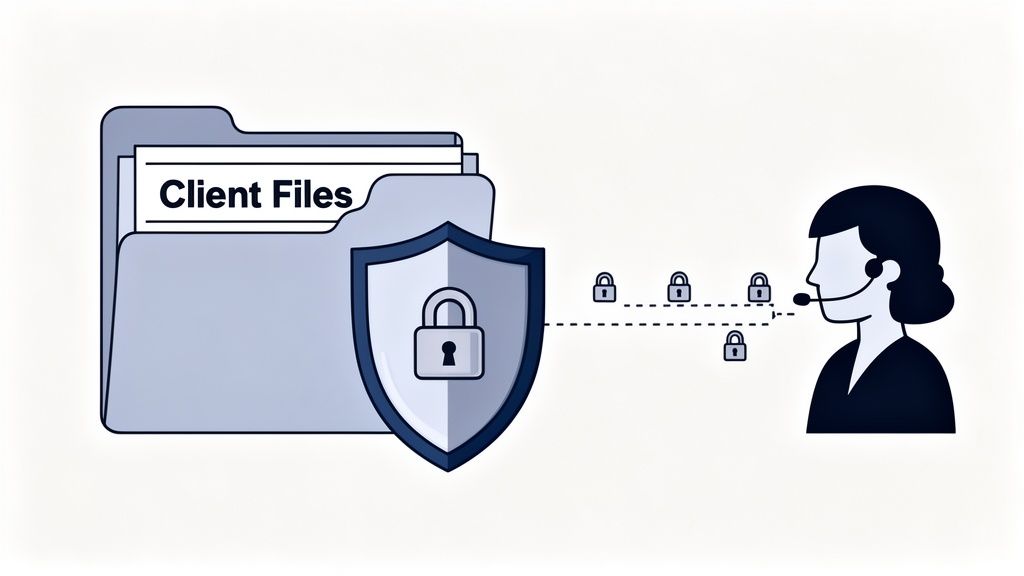
Your first and most important step is a rock-solid independent contractor agreement. And no, a generic template you pulled from the internet won't cut it. This document needs to be specifically reinforced for the legal industry.
Your agreement has to be crystal clear on these points:
Think of this agreement as the constitution for your working relationship. It lays down the law and gives you legal recourse if things go sideways.
A great contract means nothing if your technology has holes in it. You wouldn't leave physical client files sitting on a coffee shop table, and the digital version of that is just as reckless. A secure remote environment isn't a "nice-to-have"—it's a prerequisite. Managing a virtual assistant for law firms demands that you have robust Law Firm Data Security protocols in place to protect that invaluable information.
Here is the absolute minimum security setup you need:
Your security is only as strong as your weakest link. If your VA is working from an unsecured network on a personal laptop, your contract won't stop a data breach. The right tech is your lock; the contract is the alarm system.
So, how do you manage something as critical as conflict checks with someone who isn't just down the hall? It’s much more straightforward than you might think. The solution is all about controlling the flow of information. Your VA doesn't need unlimited access to your entire client database.
Instead, create a clear, defined process. When a potential new client comes in, the VA gathers the required names and entities. They then run those names against a conflict database that you control. You can achieve this by giving them limited, "read-only" access to your software, or they can simply provide you with the list to run the check yourself.
The core process doesn't change, just the physical location of the person doing it. With the right systems in place, a remote VA can handle this crucial step perfectly without ever being exposed to more information than is absolutely necessary. This isn't about cutting corners on your ethical duties; it's about building smart, secure workflows that make remote help a reality.
You can hire the sharpest virtual legal assistant on the planet, but if your idea of collaboration is a chaotic mix of Google Docs, personal email, and sticky notes, you’re setting everyone up for failure. Great remote talent is only half the equation. The other half is a set of tools that doesn’t make them want to tear their hair out.
Let’s get practical. This isn't about chasing the newest, shiniest app. It's about a few battle-tested tools that create a seamless digital office, making your remote team feel like an integrated part of your firm—not some siloed freelancer you occasionally email.
A solid tech stack absolutely needs a comprehensive legal case management software system at its core. It’s the backbone of any efficient remote legal operation. But beyond that central hub, you need tools for the day-to-day grind.
Here’s the bare-bones toolkit that makes remote work actually work:
This isn’t about spending a fortune. It’s about creating clarity and eliminating friction.
Your tech stack is your virtual office. If it’s messy, confusing, or insecure, you’ve essentially built a dysfunctional workplace.
Here’s where it gets powerful. Your virtual assistant isn’t just another user of these tools; they are the operator. They become the human who manages the inputs and polishes the outputs of your legal tech, acting as your firm's "AI copilot."
This role is becoming more critical by the day. A recent survey on litigation support trends found that 45% of legal professionals already use AI daily. The same study showed that remote depositions are here to stay, with 37% of legal professionals expecting an increase by 2026. You can find more details about these hybrid work trends on uslegalsupport.com.
A tech-savvy VA who can manage these tools isn't a luxury anymore; for a modern law firm, it's a competitive necessity.
Alright, let's tackle some of the common questions that pop up when law firms consider bringing a virtual assistant on board. These are the practical, real-world concerns we hear all the time.
Yes, but it's on you to create a secure environment. This isn't about blind faith; it's about smart protocols. Think of it as building a secure digital office for them.
A solid non-disclosure agreement (NDA) is the starting point, not the finish line. Layer that with mandatory requirements like using a firm-provided VPN and a secure password manager. When you control the tools and the access, you control the security.
This is a great question, and the distinction is crucial. Think of a virtual assistant as the practice manager—the air traffic controller for your firm. They handle client intake, scheduling, billing, and administrative workflows that keep the business running smoothly.
A virtual paralegal, on the other hand, is directly involved in substantive legal work. They're like a co-pilot, drafting documents, managing discovery, and performing billable tasks that require specific legal training. One helps you run the business of law, while the other helps you practice law.
The key is to shift your mindset from a fixed salary to paying for productive hours. You're buying specific outcomes, not just filling a 9-to-5 slot.
Rates for a skilled legal VA generally fall between $25 and $50 per hour, based on their specific expertise and the complexity of the tasks. When you compare that to the fully-loaded cost of an in-house employee—which can easily top $70,000 a year with salary, benefits, and overhead—the value becomes crystal clear. You pay only for the work you need, when you need it.


